‐‐‐‐‐‐‐ Original Message ‐‐‐‐‐‐‐
On Sunday, February 14, 2021 5:13 PM, Jason Long via openindiana-discuss
<[email protected]> wrote:
> I did, but not worked.
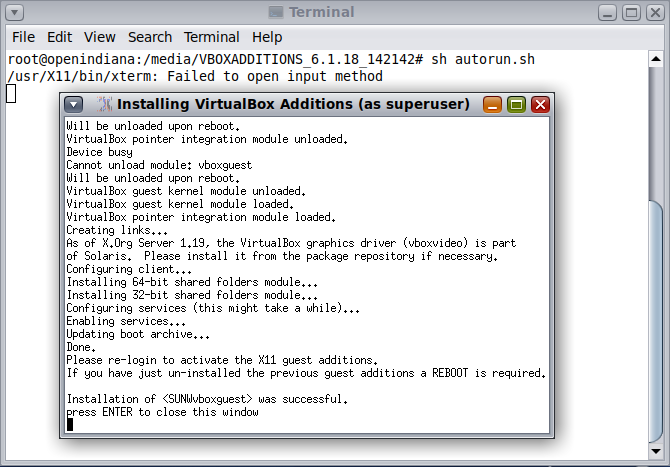
> I reinstalled VirtualBox Guest Additions:
> https://i.postimg.cc/1trNL3sg/OI.png
>

It never worked. Auto resize doesn't work for OI. You have to use the Display
utility under Preferences of your MATE menu to change to a resolution you want.
This resolution is fixed. Anytime you need a different resolution, you need to
change it again. It's the reason why I always set the resolution equals to the
resolution of the host system and always launch OI in full screen mode.

BTW, other people was right. The guest addition for OI doesn't support VMSVGA.
You have to switch to VBoxVGA. Even VBoxSVGA will not work.

Hope it helps.

_______________________________________________
openindiana-discuss mailing list
[email protected]
https://openindiana.org/mailman/listinfo/openindiana-discuss