It's just that LO has so many great icon sets that people spent so many
hours working on, that it just dissapoints me that this work is mostly
ignored by the majority of users that won't ever change the default icon
set from Tango, which has existed for ages and looks dated (even with the
current improvements).
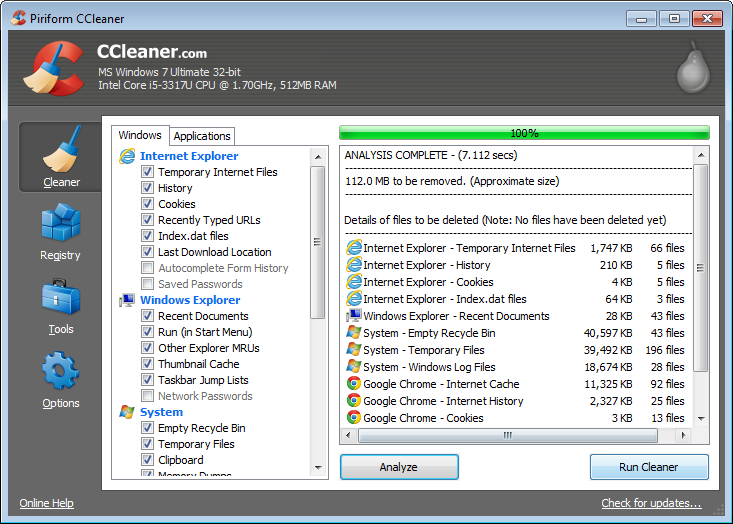
Heck, Tango is starting to not even look integrated in Gnome 3 since, the design paradigm of gnome has changed as well. Breeze is a much more modern icon set, just as Sifr is, and they were both the result of work from LO contributors and not a legacy icon set adopted from AOO (even if Tango also received multiple improvements along the way). And I mean, with the amazing work that all of you did in the past few years on the UI of LO, the building blocks to present new default UIs and give users the option between default UIs adjusted to their preferences in workflow are all there. The Sidebar has been vastly improved. The single toolbar mode was integrated. There is a bunch of different icon sets that adjust to old OSes or to new OSes... And the Notebookbar is coming along. The KDE DE has an option of "themes" that changes a few presets. Something similar could be presented to LO users at first boot. On Wed, Aug 3, 2016 at 10:42 AM, Pedro Rosmaninho <[email protected]> wrote: > Well, in that Welcome dialog I would probably just put some preset UI > options (simple toolbar, traditional toolbar, toolbar+Sidebar) along with > that. A bit like Kingsoft Office does. > > On Wed, Aug 3, 2016 at 10:07 AM, Yousuf 'Jay' Philips <[email protected]> > wrote: > >> On 08/01/2016 06:51 PM, Pedro Rosmaninho wrote: >> >>> I thought it was possible to discriminate the Windows version to present >>> a distinct icon set per version. >>> >> >> I'm not sure if it is possible as i dont know how the installer works. >> >> Since Tango doesn't look native to Windows I think using another icon >>> set with a more native feel would fit better, even for previous versions >>> of Windows. For example, Office 13 and 16 also adopt a different design >>> language than Aero but they don't look out of place in Windows 7. >>> >> >> Most apps on windows dont have native looking icons in their interface >> similar to the windows OS. Here are screenshots from 2 of the top 10 >> downloaded apps on windows. >> >> http://images.six.betanews.com/screenshots/1100194579-1.png >> >> http://antivirus-freedownload.com/proimg/avast.jpg >> >> And barely anyone is using previous versions of Wnidows to 7 after the >>> end-of-life for XP. >>> >> >> Yes Vista pretty much disappeared once 7 arrived, but XP is still holding >> in there with 7 to 10 percent, which is quite close to what Win8 has today. >> Win 7 is king with ~45% and Win 10 is ~22% thanks to the the 1-year upgrade >> giveaway that just ended, and many users were automatically upgraded. But >> now that that free upgrade is over, i dont see Win10 going over 30% for the >> forseeable future, especially when Win7 will be supported for atleast >> another 3.5 years and users can still buy Win7 laptops today. Also the year >> of the linux desktop seems to be near. ;D >> >> I also think that Sifr looks better on MacOS than Breeze. A lot of work >>> was done in these icon sets that look native in these two OSes. It is a >>> waste not to put them front and center to the LibreOffice users on those >>> OSes. >>> >>> Much like Tango is perfect for Gnome and Breeze also for KDE. >>> >> >> Might be a useful thing to ask users in the proposed welcome dialog >> (tdf#91441) so that they can make this choice after they install LO. >> >> Yousuf. >> > > -- To unsubscribe e-mail to: [email protected] Problems? http://www.libreoffice.org/get-help/mailing-lists/how-to-unsubscribe/ Posting guidelines + more: http://wiki.documentfoundation.org/Netiquette List archive: http://listarchives.libreoffice.org/global/design/ All messages sent to this list will be publicly archived and cannot be deleted